Field manual · 05/12
Navigation & Directions
Navigate to a single point, along a planned route, or back the way you came — by compass needle or on the map.
directions
From the Add sheet or any pin, request a routed path:
Car & Walking PRO
Turn-based road routing.
Hiking, Trekking Bike, Mountain Bike, River PRO
Outdoor routing profiles that follow trails and terrain rather than roads. Every generated route gets an elevation-colored line and profile.
navigating to a pin

Direct Bearing
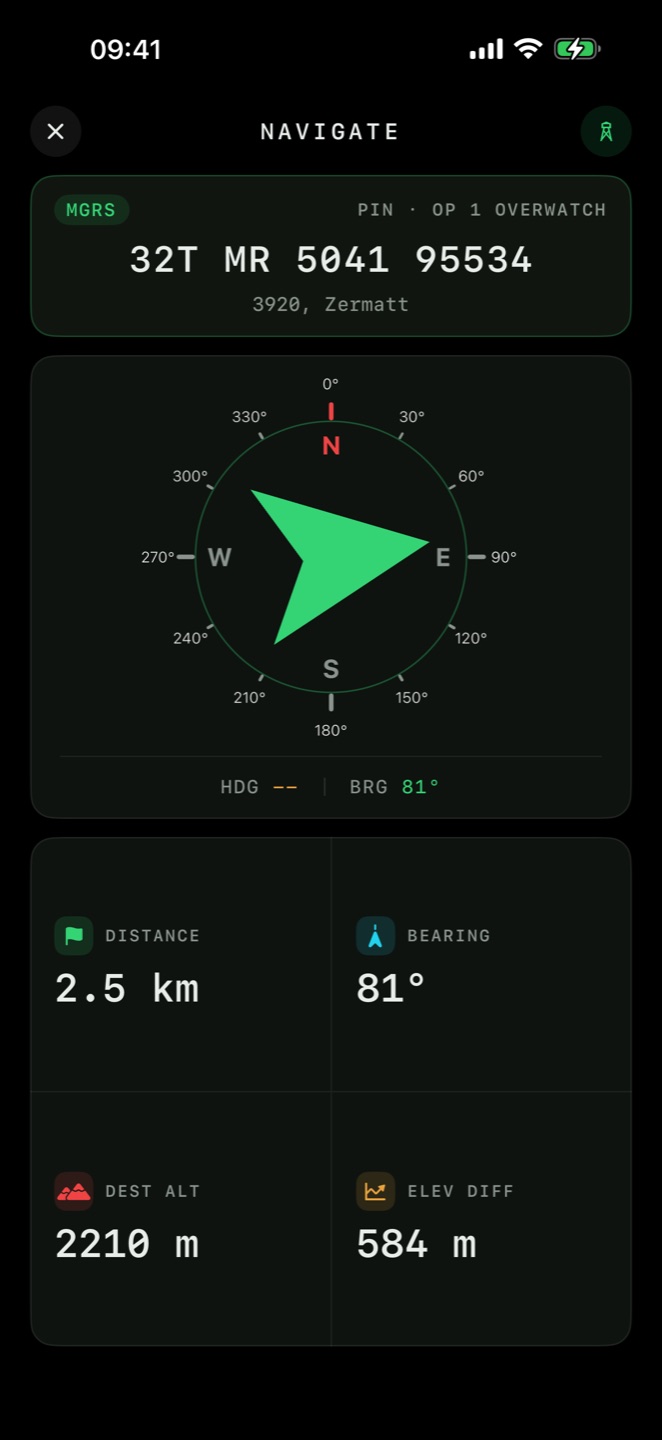
A full-screen compass with the bearing and distance to the target — classic land-nav, works with the phone in your hand.

Direct Line
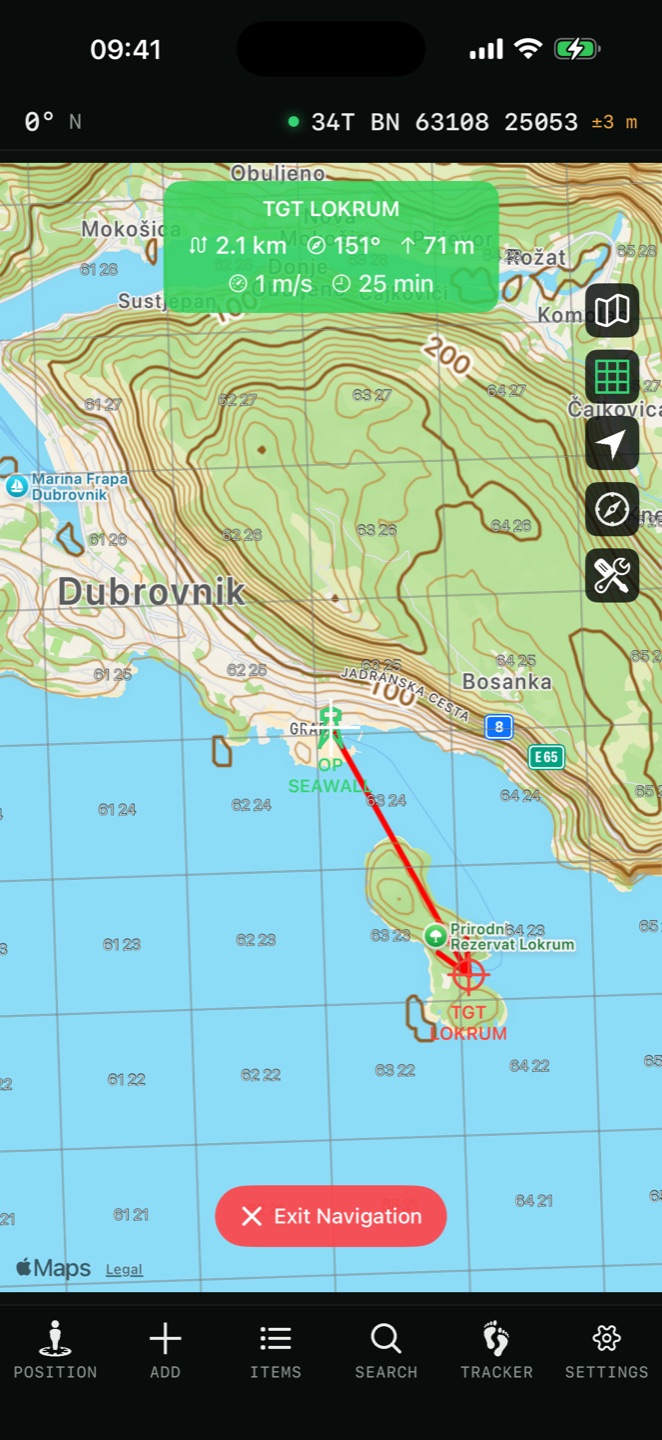
A straight line to the target drawn on the map, with live range as you move.
Routed navigation PRO
Car or walking route to the pin, followed on the map.
navigating a route
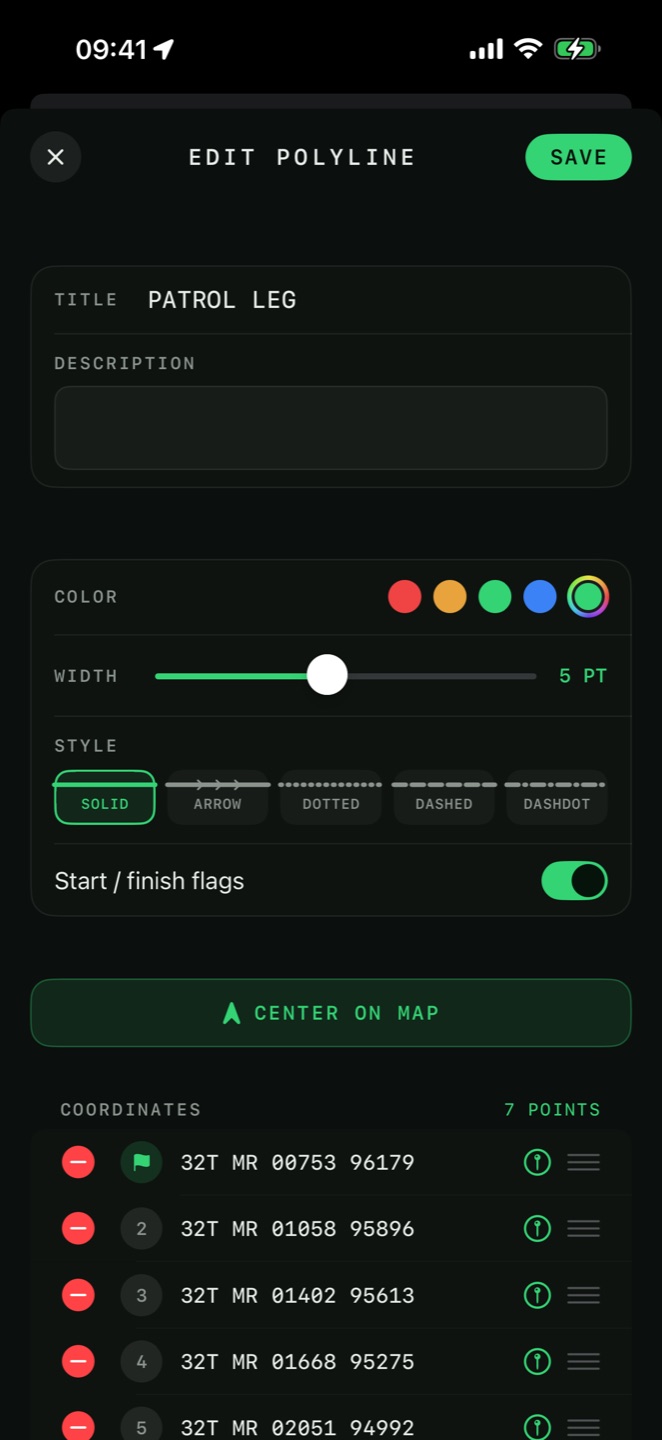
Open a saved route and tap Navigate. Choose Compass Navigation (bearing and distance to the next waypoint) or Map-Based Navigation PRO (the route highlighted on the map with progress tracking). You can start from the route's start, its finish, or the nearest point.
Backtrack
Recorded a track on the way in? Navigate back along it — see the Tracker chapter.